
WordPress vs Wix: Which Platform Is Better for Your Business?

Choosing the right platform for your business website is one of the most important decisions you’ll make. Two of the most popular options today are WordPress and Wix. While both platforms allow you to create professional websites, they differ significantly in terms of flexibility, customization, SEO capabilities, and long-term scalability. In this guide, we’ll compare WordPress and Wix to help you decide which platform is the best fit for your business. What Is WordPress? WordPress is the world’s most popular content management system (CMS), powering millions of websites worldwide. It offers unmatched flexibility and allows businesses to create everything from simple blogs to complex eCommerce stores. Some of the biggest advantages of WordPress include: Full ownership of your website Thousands of themes and plugins Advanced SEO capabilities Custom development options Scalability for future growth What Is Wix? Wix is a website builder that allows users to create websites using a drag-and-drop editor. It’s designed for beginners who want to launch a website quickly without needing technical knowledge. Benefits of Wix include: Easy to use Hosting included Drag-and-drop editor Quick setup Beginner-friendly interface WordPress vs Wix: Feature Comparison Ease of Use WordPress: Moderate learning curve. Wix: Extremely beginner-friendly. Customization WordPress: Nearly unlimited customization. Wix: Limited compared to WordPress. SEO WordPress offers more advanced SEO features and integrates seamlessly with plugins like Rank Math and Yoast SEO. Wix has improved its SEO capabilities over the years, but WordPress remains the preferred choice for businesses that rely on organic traffic. Performance Website speed depends on hosting, optimization, and implementation. WordPress provides greater control over performance optimization, while Wix manages most technical aspects for you. Scalability If your business plans to grow, WordPress is the stronger option. With WordPress, you can add: Membership systems Online stores Custom integrations Learning management systems Advanced forms Custom dashboards Pricing Wix generally has predictable monthly pricing. WordPress itself is free, but you’ll need to budget for: Domain name Hosting Premium plugins Development services (if required) Read our guide on How Much Does a WordPress Website Cost in 2026? to understand the complete pricing breakdown. Which Platform Should You Choose? Choose Wix if: You need a simple website quickly. You have a limited budget. You prefer an all-in-one solution. Choose WordPress if: You want full control over your website. SEO is important to your business. You expect your website to grow over time. You require custom functionality. You plan to invest in long-term digital growth. Final Thoughts Both WordPress and Wix have their strengths, but for businesses focused on scalability, SEO, and customization, WordPress remains the preferred choice in 2026. Before making a decision, consider your budget, business goals, and future requirements. The right platform should support your growth—not limit it. If you’re unsure which platform is best for your business, consulting an experienced WordPress developer can help you make the right choice from the start.
How Much Does a Website Cost in 2026?

One of the first questions businesses ask before starting a new website is: “How much does a website cost?” The answer depends on your business goals, the features you need, and whether you choose a template-based website or a fully custom solution. In this guide, we’ll break down the factors that influence website pricing in 2026 and help you understand what to expect. Factors That Affect Website Cost Every website is unique. The final cost depends on several factors, including: Number of pages Custom design requirements Responsive (mobile-friendly) design Contact forms and lead generation features Blog functionality SEO optimization Speed optimization Third-party integrations E-commerce functionality Ongoing maintenance The more custom functionality your website requires, the more development time is involved. Typical Website Price Range Basic Business Website Ideal for startups and local businesses. Includes: Up to 5 pages Contact form Mobile responsive design Basic SEO setup Estimated Cost: ₹10,000 – ₹20,000 Professional Business Website Suitable for growing businesses. Includes: Custom design 10–20 pages Blog setup Advanced forms Performance optimization SEO-friendly structure Estimated Cost: ₹30,000 – ₹40,000 Custom Website Perfect for businesses requiring unique functionality. Includes: Custom theme development Advanced Custom Fields (ACF) Custom Post Types API integrations Custom dashboards Performance optimization Estimated Cost: ₹40,000 – ₹80,000+ WooCommerce Website For businesses selling products online. Includes: Product pages Payment gateway integration Shipping setup Tax configuration Customer account management Estimated Cost: ₹50,000 – ₹1,50,000+ What Else Should You Budget For? Besides website development, consider these ongoing costs: Domain Name Typically ₹800–₹1,500 per year. Web Hosting Around ₹3,000–₹12,000 per year, depending on your provider and traffic. Premium Plugins Some websites require premium plugins for SEO, security, forms, or page building. Website Maintenance Regular updates, backups, and security checks help keep your website running smoothly and securely. Why the Cheapest Website Isn’t Always the Best Choice Choosing the lowest-priced option may save money initially, but it can lead to problems later, such as: Slow loading speed Poor SEO performance Security vulnerabilities Limited scalability Difficult maintenance A professionally developed website is an investment that can deliver long-term value through better performance, user experience, and lead generation. How to Choose the Right Developer Before hiring a developer, consider: Experience with Web Portfolio of completed projects Client testimonials SEO knowledge Communication and support Transparent pricing The right developer will understand your business goals and build a website that supports your growth. Final Thoughts There is no one-size-fits-all price for a website. The cost depends on your requirements, features, and long-term objectives. Instead of focusing only on price, consider the overall value, performance, and scalability of your investment. A well-built website can become one of your most effective marketing tools, helping you attract customers and grow your business.
7 Signs Your Business Needs a Website Redesign
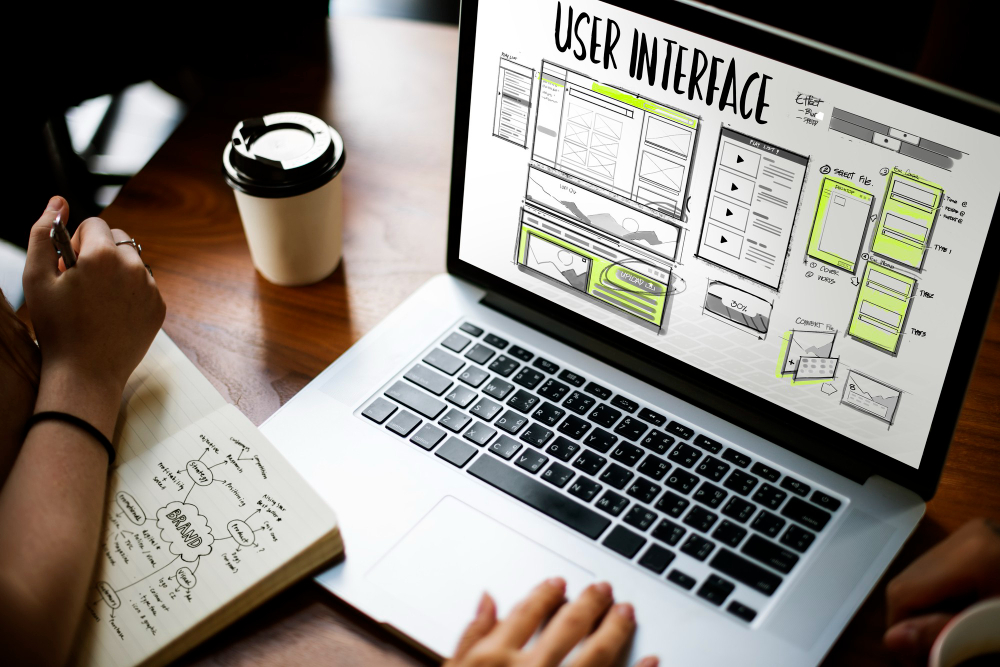
Your website is often the first impression customers have of your business. Even if your current website is working, it may still be costing you leads, trust, and growth opportunities. Here are seven signs that indicate it may be time for a redesign. 1. Your Website Looks Outdated Design trends change over time. An old-looking website can make visitors question whether your business is active and trustworthy. A modern website should feel: Clean Mobile-friendly Easy to navigate Professional and consistent 2. It Loads Slowly Website speed affects both user experience and SEO. Visitors expect pages to load quickly. If your website takes too long, people may leave before seeing your content. Ways to improve: Optimize images Use quality hosting Reduce unnecessary plugins Improve theme performance 3. Your Website Is Not Mobile Friendly Most visitors now browse from mobile devices. If users need to zoom, scroll excessively, or struggle to click buttons, your website likely needs improvement. Responsive design is no longer optional. 4. Updating Content Feels Difficult If changing text or images requires technical help every time, your website setup may not support efficient management. Modern websites should allow easy updates without rebuilding pages. 5. Your Branding Has Changed If your logo, services, messaging, or business direction evolved but your website stayed the same, customers receive mixed signals. Your website should reflect your current identity. 6. You Are Getting Traffic but Few Enquiries Visitors without conversions often indicate issues such as: Weak calls to action Confusing layouts Poor content hierarchy Missing trust signals Good design supports business goals. 7. Your Competitors Feel More Professional Online Compare your website with others in your industry. If competitors provide a smoother experience, clearer information, or stronger presentation, redesigning can help maintain competitiveness. Final Thoughts A website redesign isn’t only about appearance—it’s about creating a faster, more effective experience that supports your business goals. If your website shows several of these signs, updating it could improve both user engagement and conversion opportunities.
Custom WordPress Website vs Page Builder Website
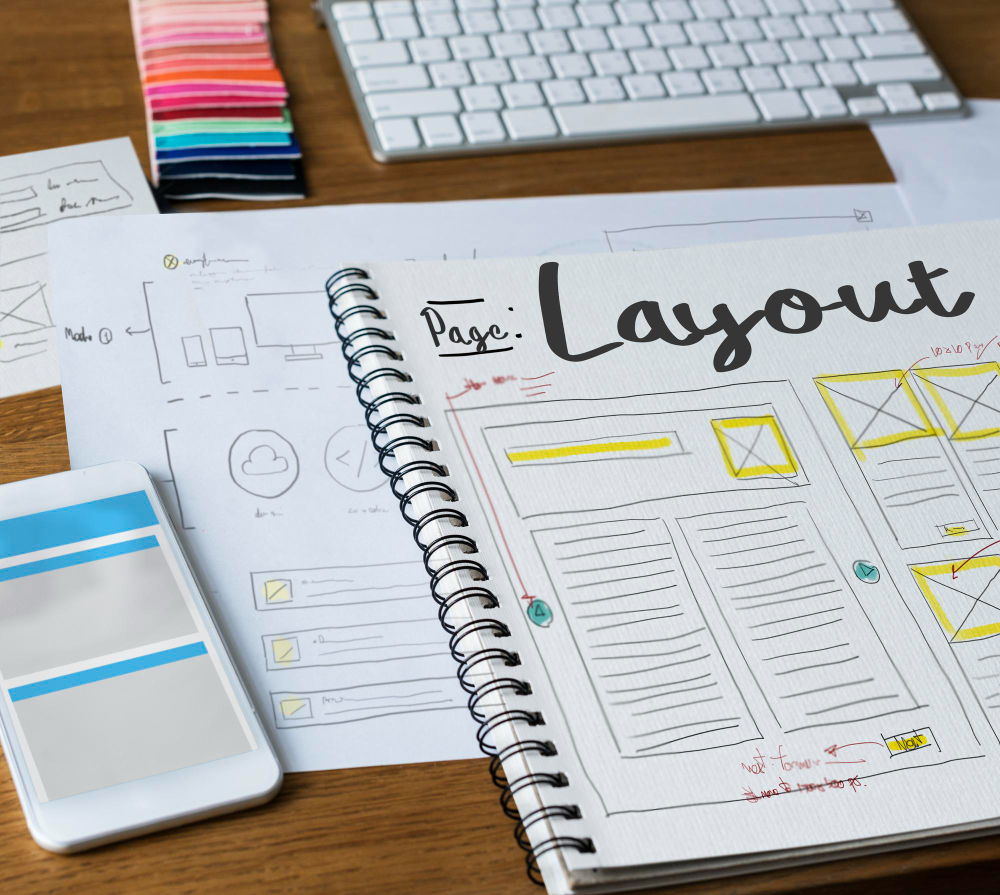
Custom WordPress Website vs Page Builder Website – Which One Should You Choose? When planning a new website, one of the most common questions business owners ask is: Should I build a custom WordPress website or use a page builder like Elementor? The answer depends on your goals, budget, scalability, and how much flexibility you need in the future. In this guide, I’ll explain the differences and help you choose the right approach. What is a Custom WordPress Website? A custom WordPress website is built specifically for your business requirements using custom themes, templates, ACF (Advanced Custom Fields), custom post types, and tailored functionality. This approach focuses on: Better performance Flexible design Clean code structure Scalability Easier long-term maintenance Best for: Service businesses Portfolio websites Real estate websites Informative business websites Event websites Large content websites What is a Page Builder Website? Page builders such as Elementor allow visual drag-and-drop website creation without heavy coding. Benefits include: Faster development Easy editing Lower initial cost Beginner-friendly management Best for: Small businesses Landing pages MVP websites Blogs Websites needing frequent content updates Custom WordPress vs Elementor – Quick Comparison Development Speed Page Builder → Faster Performance Custom WordPress → Better Design Flexibility Custom WordPress → Higher Ease of Editing Elementor → Easier Long-Term Scalability Custom WordPress → Stronger Budget Friendly Elementor → More affordable initially Which Option Do I Recommend? If your priority is speed and easy editing, Elementor is an excellent choice. If your priority is performance, custom features, and future growth, a custom WordPress solution is usually the better investment. Many successful websites actually combine both approaches—using a custom WordPress structure with Elementor for content management. Final Thoughts Choosing between custom WordPress and a page builder isn’t about which is better overall—it’s about selecting the right solution for your business goals. Need help deciding? I build both custom WordPress websites and Elementor-based websites depending on project requirements.
Website vs Social Media for Business: Which One Do You Really Need?
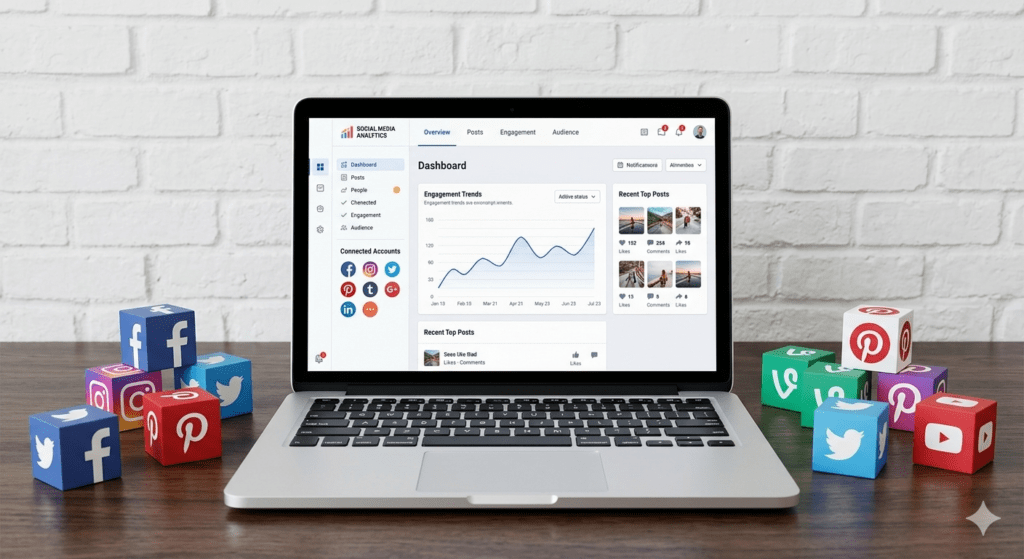
In today’s digital world, almost every business has a social media presence. Platforms like Facebook, Instagram, LinkedIn, and YouTube make it easy to connect with customers and promote products or services. As a result, many business owners ask: “Do I really need a website if I already have social media?” The short answer is yes. While social media is an excellent marketing tool, it should complement your website—not replace it. In this article, we’ll compare websites and social media and explain why successful businesses use both. What Is the Difference Between a Website and Social Media? A website is a digital property that you own and control completely. You decide how it looks, what content is displayed, and how visitors interact with it. Social media platforms, on the other hand, are third-party services where your business profile exists under their rules and algorithms. Think of it this way: Your website is your business headquarters. Social media is a marketing channel that directs people to your headquarters. Benefits of Having a Website 1. You Own It Your website belongs to you. No social media platform can suddenly change its rules and limit your visibility. You have full control over your content, design, and customer experience. 2. Professional Credibility When potential customers search for your business, they expect to find a professional website. A website helps establish: Trust Authority Credibility Professionalism Businesses without websites may appear less established than competitors. 3. Better Search Engine Visibility People search Google every day for products and services. A website allows you to: Rank in search results Attract organic traffic Generate leads continuously Reach customers actively looking for your services Social media profiles have limited SEO potential compared to a dedicated website. 4. More Information in One Place A website can provide: Services Portfolio Pricing Testimonials Contact forms Blog content FAQs Social media platforms are not designed to organize large amounts of business information effectively. 5. Better Lead Generation A website can include: Inquiry forms Booking systems Email subscriptions Landing pages Call-to-action sections These features help convert visitors into customers. Benefits of Social Media 1. Brand Awareness Social media helps introduce your business to new audiences. Regular posting can increase visibility and brand recognition. 2. Customer Engagement Social media allows businesses to interact directly with customers through: Comments Messages Polls Stories Live videos This creates stronger relationships with your audience. 3. Faster Content Distribution Publishing updates on social media is quick and easy. You can instantly share: Promotions News Product launches Customer reviews 4. Community Building Social media platforms make it easier to create a loyal audience and build a community around your brand. The Biggest Problem with Relying Only on Social Media Many businesses make the mistake of depending entirely on social media. However, social media platforms can: Change algorithms Reduce organic reach Suspend accounts Restrict visibility Change policies without notice If your business relies solely on social media, you have little control over your audience. A website protects your online presence because it remains under your ownership. Website vs Social Media: Quick Comparison Website You own the platform Better SEO opportunities Professional appearance More control over content Better lead generation Long-term digital asset Social Media Easier audience engagement Faster content sharing Great for brand awareness Community building Dependent on platform rules Limited control Why Businesses Need Both The most successful businesses use websites and social media together. A smart strategy looks like this: Use social media to attract attention. Drive visitors to your website. Convert visitors into leads or customers. For example: Instagram posts can showcase products. Facebook ads can promote services. LinkedIn can build professional authority. Your website can capture inquiries and generate sales. This combination provides the best results. Which Is More Important? If you had to choose only one, a website is usually the better long-term investment. A website serves as the foundation of your online presence, while social media acts as a channel to bring visitors to it. However, businesses achieve the best growth when both work together. Conclusion When comparing website vs social media for business, the answer isn’t choosing one over the other. Social media is excellent for engagement, visibility, and promotion, while a website provides credibility, control, SEO benefits, and lead generation. Your website is your digital home, and social media is the road that brings people to it. Businesses that invest in both create a stronger online presence, attract more customers, and achieve better long-term results.
How Website Speed Affects SEO and Sales
In today’s fast-paced digital world, website visitors expect pages to load almost instantly. If your website takes too long to load, potential customers may leave before they even see your products or services. Website speed is no longer just a technical concern—it directly impacts user experience, search engine rankings, and business revenue. Whether you run a small business website, an online store, or a corporate website, improving website speed should be a top priority. In this article, we’ll explore how website speed affects SEO and sales and why investing in performance optimization can help grow your business. Why Website Speed Matters Website speed refers to how quickly your website loads and becomes usable for visitors. When a website loads slowly, users often become frustrated and leave before taking any action. A fast website creates a better experience, encourages visitors to stay longer, and increases the chances of converting them into customers. Studies consistently show that even a few seconds of delay can significantly reduce engagement and conversions. Website Speed and SEO Search engines like Google want to provide users with the best possible experience. Because of this, website speed is an important ranking factor. A faster website can help improve: Search engine rankings User experience Mobile performance Crawl efficiency Page indexing Google’s Core Web Vitals measure website performance and user experience. Websites that meet these performance standards often have a better chance of ranking higher in search results. Key Performance Metrics Google evaluates several factors, including: Largest Contentful Paint (LCP) Interaction to Next Paint (INP) Cumulative Layout Shift (CLS) These metrics measure how quickly content appears, how responsive a page feels, and how stable the layout remains while loading. How Slow Websites Hurt SEO A slow website can negatively impact your SEO efforts in several ways. Higher Bounce Rates When visitors have to wait for pages to load, many leave immediately. Higher bounce rates can signal that users are not finding a satisfactory experience, which may affect search performance over time. Reduced User Engagement Slow websites often result in: Fewer page views Shorter session durations Lower interaction rates Search engines monitor user behavior, and poor engagement can impact visibility. Poor Mobile Experience Most website traffic now comes from mobile devices. A website that performs poorly on smartphones can lose rankings and potential customers. How Website Speed Affects Sales Website speed has a direct impact on revenue and lead generation. When visitors enjoy a smooth browsing experience, they are more likely to: Explore your website Contact your business Submit inquiry forms Purchase products Return in the future Faster Websites Build Trust Users associate fast-loading websites with professionalism and reliability. A slow website can make visitors question the credibility of a business, even if the products or services are excellent. Better Conversion Rates Every second matters when it comes to conversions. A fast website can improve: Lead generation Product sales Form submissions Booking requests Customer retention Even small performance improvements can lead to measurable increases in revenue. Common Causes of Slow Websites Many websites become slow because of avoidable issues. Common causes include: Unoptimized Images Large image files are one of the biggest performance killers. Images should be compressed and served in modern formats such as WebP whenever possible. Poor Hosting Cheap or overloaded hosting often results in slower loading times. Investing in quality hosting can significantly improve website performance. Too Many Plugins Installing unnecessary plugins can increase server requests and slow down your website. Only use plugins that provide real value. Unoptimized Code Excessive CSS, JavaScript, and unused code can delay page rendering and affect user experience. Lack of Caching Caching allows websites to serve pages more efficiently and reduce server load. Without caching, websites often perform much slower. How to Improve Website Speed Here are some effective ways to optimize your website: Use high-quality hosting Enable page caching Compress and optimize images Convert images to WebP format Minify CSS and JavaScript Remove unused plugins Use a Content Delivery Network (CDN) Enable GZIP compression Optimize your database Regularly monitor website performance For WordPress websites, performance optimization plugins can greatly improve loading times when configured properly. Benefits of a Fast Website A faster website can provide: Better Google rankings Lower bounce rates Improved user experience Higher conversion rates Increased sales Better mobile performance Greater customer satisfaction These benefits make website speed optimization one of the highest-return investments for any business website. Conclusion Understanding how website speed affects SEO and sales is essential for business success. A fast website not only helps improve search engine rankings but also creates a better experience for visitors, leading to more inquiries, conversions, and revenue. If your website loads slowly, you’re likely losing both potential customers and valuable search traffic. Regular performance optimization can help ensure your website remains competitive, user-friendly, and profitable in today’s digital marketplace.
What Pages Every Business Website Should Have
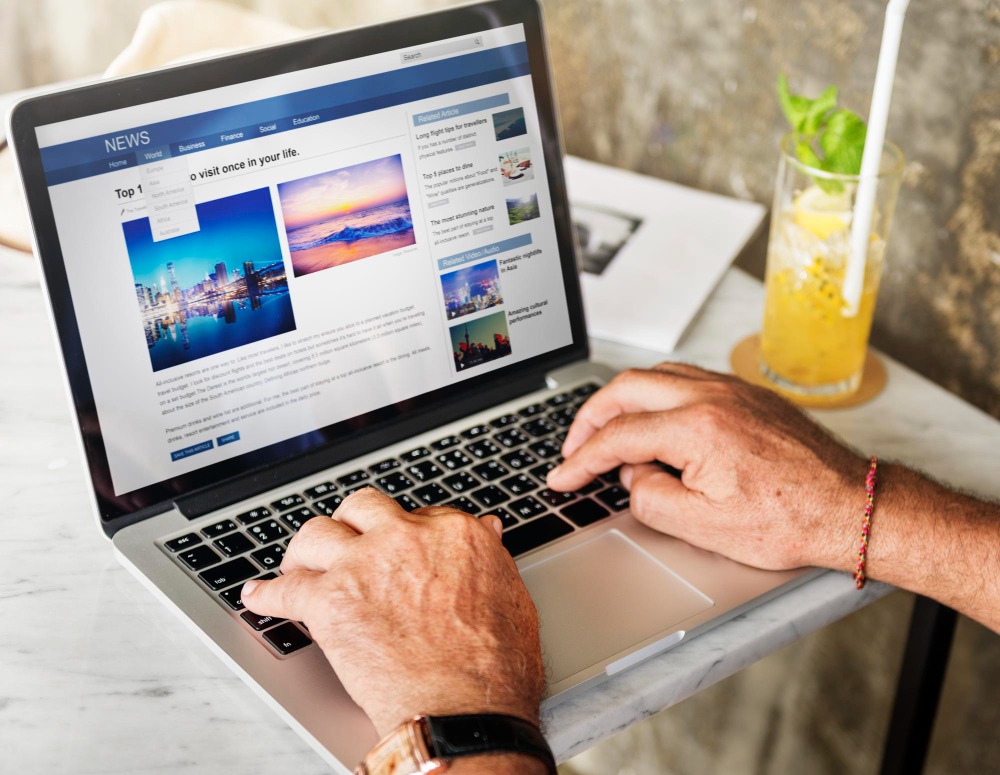
A professional website is one of the most important tools for growing your business online. However, simply having a website isn’t enough. To attract visitors, build trust, and generate leads, your website must include the right pages. Many business owners launch websites with only basic information and miss opportunities to convert visitors into customers. In this guide, we’ll cover the essential pages every business website should have and why they matter. 1. Homepage The homepage is often the first impression visitors have of your business. It should clearly explain: Who you are What you do Who you help Why customers should choose you A strong homepage should include: Clear headline Brief company introduction Services overview Testimonials Call-to-action buttons Contact information The goal is to quickly communicate your value and encourage visitors to explore further. 2. About Us Page People prefer doing business with companies they trust. An About Us page helps build that trust by sharing your story. Include: Company background Mission and values Experience and expertise Team information Achievements and certifications This page helps visitors connect with your business on a personal level. 3. Services Page Your services page should clearly explain what you offer and how it benefits customers. For each service, include: Service description Benefits Process or workflow Pricing (optional) Call-to-action A detailed services page improves both user experience and search engine visibility. 4. Contact Us Page A contact page makes it easy for potential customers to reach you. Essential elements include: Contact form Phone number Email address Business address Google Maps integration Business hours WhatsApp button The easier it is to contact you, the more inquiries you’ll receive. 5. Portfolio or Gallery Page If you provide services or complete projects, showcasing your work is essential. A portfolio page helps visitors: See your capabilities Evaluate your quality of work Build confidence in your services Include project descriptions, images, before-and-after examples, and results whenever possible. 6. Testimonials or Reviews Page Customer reviews are powerful social proof. A testimonials page should feature: Client feedback Success stories Ratings Case studies Positive reviews help increase trust and influence purchasing decisions. 7. Blog Page A blog is one of the best ways to improve SEO and attract organic traffic. Benefits of blogging include: Higher Google rankings More website visitors Industry authority Customer education Lead generation Regularly publishing useful content helps your website stay active and relevant. 8. FAQ Page Frequently Asked Questions help visitors find answers without contacting you. Common FAQ topics include: Pricing Services Timelines Support Payment methods An FAQ page can save time for both your business and your customers. 9. Privacy Policy Page A Privacy Policy page explains how your website collects, stores, and uses visitor information. This page is especially important if you: Use contact forms Collect customer data Run Google Analytics Use cookies It also helps comply with privacy regulations and builds trust. 10. Terms and Conditions Page Terms and Conditions outline the rules for using your website and services. This page can help: Protect your business legally Clarify service limitations Define user responsibilities While often overlooked, it is an important page for professional websites.
Why Choose WordPress for Your Website?
Top Benefits of WordPress Development When planning a new website, one of the first decisions you’ll make is choosing the right platform. With so many website builders and content management systems available, it can be difficult to know which option is best. WordPress powers over 40% of all websites on the internet, making it the world’s most popular website platform. From small business websites and portfolios to large e-commerce stores and corporate websites, WordPress provides a flexible and powerful solution. In this article, we’ll explore why WordPress is an excellent choice for your website. 1. Easy to Manage One of the biggest advantages of WordPress is its user-friendly dashboard. Even users with little technical knowledge can easily: Update content Add blog posts Upload images Create new pages Manage website settings This means you won’t need a developer for every small website update. 2. Cost-Effective Solution WordPress itself is free and open-source. You only need to pay for: Domain name Hosting Premium themes (optional) Premium plugins (optional) Compared to custom-built websites, WordPress offers a highly affordable solution without sacrificing quality. 3. SEO Friendly Search Engine Optimization (SEO) is essential for attracting visitors from Google. WordPress includes many SEO-friendly features such as: Clean website structure SEO-friendly URLs Fast indexing Mobile responsiveness Easy meta title and description management Plugins like Rank Math and Yoast SEO further enhance optimization capabilities. 4. Fully Customizable Whether you need a business website, portfolio, blog, booking system, or online store, WordPress can be customized to meet your requirements. You can choose from thousands of themes and plugins to create a website that matches your brand and business goals. 5. Mobile Responsive Most internet users browse websites on mobile devices. WordPress supports responsive designs that automatically adjust to different screen sizes. A mobile-friendly website improves user experience and search engine rankings. 6. Scalable for Future Growth WordPress grows with your business. You can start with a simple website and later add: Online store functionality Membership areas Booking systems Learning management systems Customer portals This flexibility makes WordPress a long-term investment. 7. Strong Security Features WordPress provides various security options to help protect your website. Security can be enhanced through: SSL certificates Security plugins Regular updates Backup systems Two-factor authentication With proper maintenance, WordPress websites can be highly secure. 8. Thousands of Plugins Available WordPress offers over 50,000 plugins that allow you to add advanced functionality without custom coding. Popular features include: Contact forms WhatsApp integration SEO tools Performance optimization Social media integration E-commerce functionality This saves both development time and cost. 9. Perfect for Blogging and Content Marketing WordPress originally started as a blogging platform and remains one of the best content management systems available. Regular blogging helps: Improve SEO Increase website traffic Build authority Generate leads Educate customers Content marketing is much easier to manage with WordPress. 10. Ideal for Business Websites Whether you’re a local business, freelancer, consultant, or growing company, WordPress provides everything needed to establish a professional online presence. A well-designed WordPress website helps: Build credibility Generate leads Showcase services Improve customer communication Increase conversions Conclusion WordPress continues to be the preferred choice for businesses worldwide because it combines flexibility, affordability, ease of use, and scalability. Whether you’re launching your first website or upgrading an existing one, WordPress provides the tools and features needed to succeed online. If you’re looking for a professional, SEO-friendly, and easy-to-manage website, WordPress is one of the best platforms available today.
Basic Requirements for Creating a New Website: Complete Guide
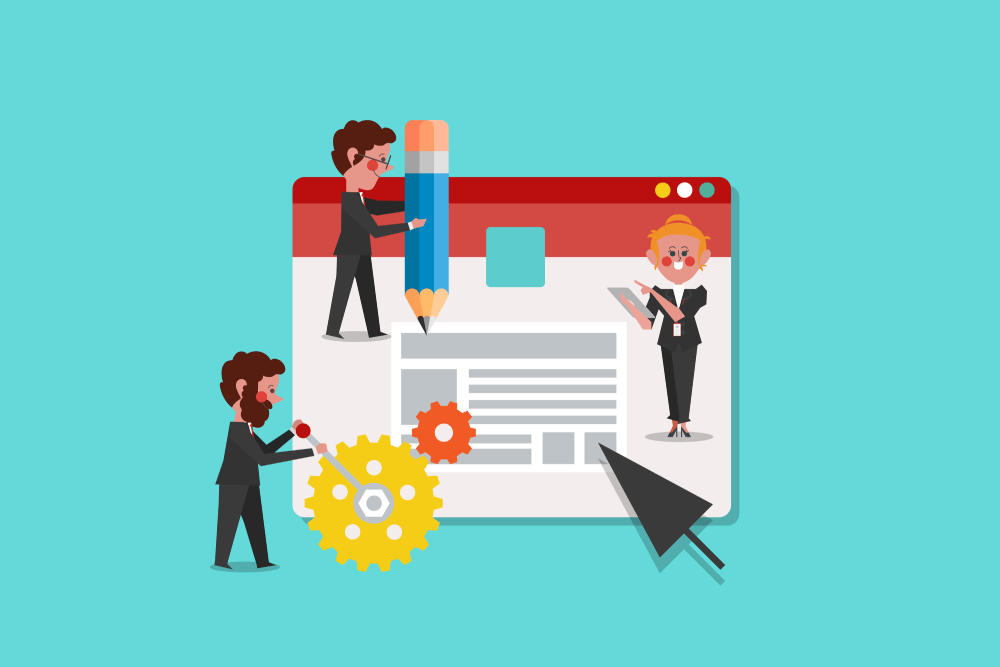
Creating a website is one of the most important steps for establishing your online presence. Whether you’re starting a small business, launching a personal portfolio, or building an e-commerce store, understanding the basic requirements for a new website can save time, money, and future headaches. In this guide, we’ll walk through the essential elements you need before creating a new website. 1. A Domain Name A domain name is your website’s address on the internet, such as www.yourbusiness.com. It should be: Easy to remember Simple to spell Relevant to your business Professional and trustworthy Choose a domain name that represents your brand and is easy for customers to find online. 2. Web Hosting Web hosting is the service that stores your website files and makes them accessible online. A reliable hosting provider ensures: Fast website loading speed High uptime and reliability Security features Backup options Technical support Selecting quality hosting is essential for your website’s performance and user experience. 3. Website Purpose and Goals Before development begins, define your website’s purpose. Ask yourself: Do you want to generate leads? Sell products online? Showcase your portfolio? Provide information about your services? Clear goals help determine the website structure and required features. 4. Professional Website Design A well-designed website creates a positive first impression and builds trust with visitors. Your design should include: Mobile responsiveness User-friendly navigation Professional branding Fast loading pages Clear call-to-action buttons A modern design improves engagement and conversion rates. 5. Quality Content Content is one of the most important components of any website. Prepare content for: Home page About Us page Services page Contact page Blog section Good content should clearly explain your business, products, and services while addressing customer needs. 6. Essential Website Pages Most business websites require the following pages: Home About Us Services Portfolio or Gallery Blog Contact Us Privacy Policy These pages help visitors understand your business and improve credibility. 7. Search Engine Optimization (SEO) SEO helps your website appear in search engine results. Basic SEO setup includes: SEO-friendly URLs Meta titles and descriptions Optimized images Keyword-focused content XML sitemap Google Search Console setup SEO helps attract organic traffic and potential customers. 8. Security Features Website security protects both your business and visitors. Important security elements include: SSL Certificate (HTTPS) Regular backups Security plugins Strong passwords Malware protection A secure website builds customer confidence and improves search rankings. 9. Contact Methods Make it easy for visitors to reach you. Consider adding: Contact forms Phone number Email address Google Maps integration WhatsApp chat button Social media links Multiple communication options improve customer engagement. 10. Analytics and Tracking Understanding visitor behavior helps improve your website. Useful tools include: Google Analytics Google Search Console Conversion tracking Visitor insights These tools help you measure performance and make informed decisions. Conclusion Understanding the basic requirements for a new website is the foundation of a successful online presence. From choosing a domain name and hosting to creating quality content and implementing SEO, every element plays an important role in your website’s success. Investing in the right setup from the beginning will help your website attract visitors, generate leads, and support your business growth for years to come.